Apple Silicon Mac
Host and viewer test builds. The Mac download is development-signed but not Apple-notarized, so macOS may ask you to approve opening it.
REMOTE DESKTOP · TEST PRERELEASE
Control your own workstation from a supported Mac, Windows or Linux test viewer. Your tools, projects and computing power stay on the host machine.
Test prerelease · No payment details required
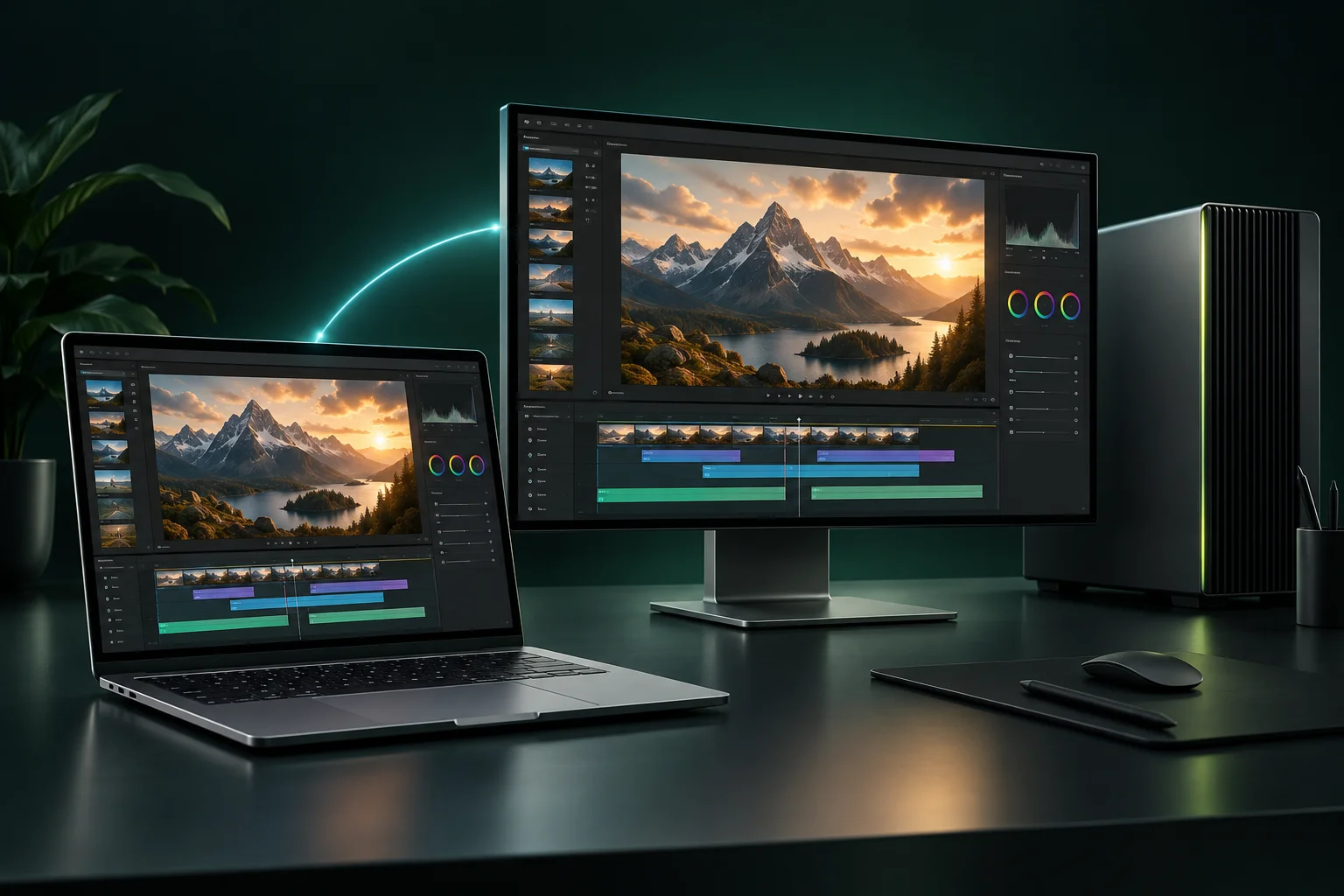
CHOOSE YOUR SETUP
Install the host on the workstation you want to reach and the viewer on the computer you use to connect. Check the requirements before installing:
Host and viewer test builds. The Mac download is development-signed but not Apple-notarized, so macOS may ask you to approve opening it.
Host and viewer test builds. Executables are unsigned and need the x64 Visual C++ runtime.
Host and viewer test builds, tested on Ubuntu 24.04.4. A compatible graphics, capture and driver setup is required.
Mobile builds are not available. See downloads and platform caveats ↗
THE COMPUTER YOU ALREADY RELY ON
For the work that lives on a powerful desktop, even when you need to be somewhere else.
Return to your creative tools and project files on your own workstation. Evaluate your color and input workflow during the beta.
Access your Linux development desktop from a supported test viewer, with your editor, terminal, and environment already in place.
Check a render or revisit a project on the machine doing the work. Keep the heavy computing there.
A FAMILIAR WORKFLOW
Download the test app and create your account with email or Google in the app.
Sign in on your workstation and viewer with the same account, then choose the host to connect to.
Try your actual network and workflow during the beta before relying on it.
Free, Personal, and Team use direct media connections with no relay included. Some hotel, office, and shared networks can prevent a connection. Start with automatic setup, then follow the guide if your connection needs help.
FREE BETA PLANS
Standard Free covers one user and host. The Personal free beta covers one named user; the Team free beta covers up to five named users in one organization per account.
Personal and Team are free during the beta while payments are being prepared. No payment details or automatic charges. Relay remains unavailable.
BEFORE YOU START
Test prereleases for Apple Silicon Mac, Windows x64 and Linux x86_64 include host and viewer builds. Linux was tested on Ubuntu 24.04.4. Mobile is not available; review the platform caveats on the download page.
It depends on both networks. Direct connections can be blocked by router or firewall restrictions. Check your setup and find the next step. Please test the networks you plan to use.
Free, Personal, and Team are direct-only plans. Optional relay service is planned exclusively for Enterprise under a separate agreement. Enterprise pricing and usage allowances have not been announced, and the service is not available in the current beta.
No. The viewer is included in the test download. There is no Apple in-app subscription checkout in the current product.
Paid subscriptions are not available yet. Personal and Team can be tried as a free beta with no payment details or automatic charge.
GET STARTED
Download the Mac, Windows or Linux test build. Create an account with email or Google inside the app, then sign in on your host and viewer.
This is a test prerelease. Review platform and installation limits before depending on it for work.
Download the app to create an account. After signing in, you can use standard Free or try Personal and Team as a free beta while payments are being prepared.
For Enterprise or launch questions, contact Luxwarp.