PRODUCT

From the first connection
to the computer you need.

Remote, Computers, Settings. Start what you need in three launcher screens.

Luxwarp launcher remote screen with a 12-digit ID, temporary password and connection fields.
Launcher · RemoteView screen
THE WORKFLOW

Every screen has a clear purpose.

Check your connection details, find a computer and explore your setup.

01 / REMOTE

Your connection details, and a way in

Find your 12-digit ID and temporary password. Enter the other computer’s ID and password, or connect directly with a host address and port.

View screen
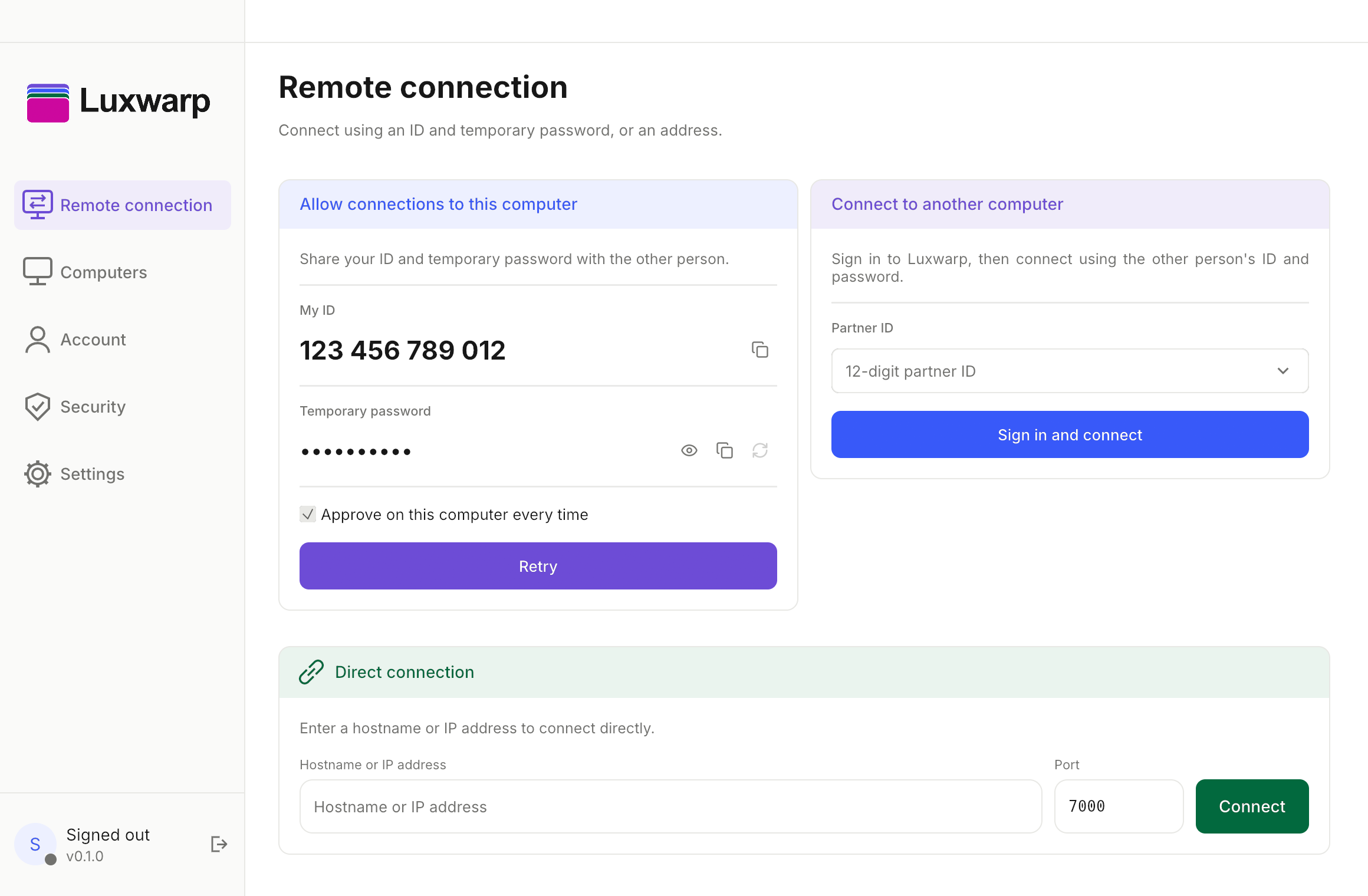
Luxwarp launcher remote screen with a 12-digit ID, temporary password and connection fields.
02 / COMPUTERS

Computers, grouped clearly

Expand or collapse Recent, Assigned or Personal, Saved and Offline groups. Use search and filters to find the computer you need.

View screen
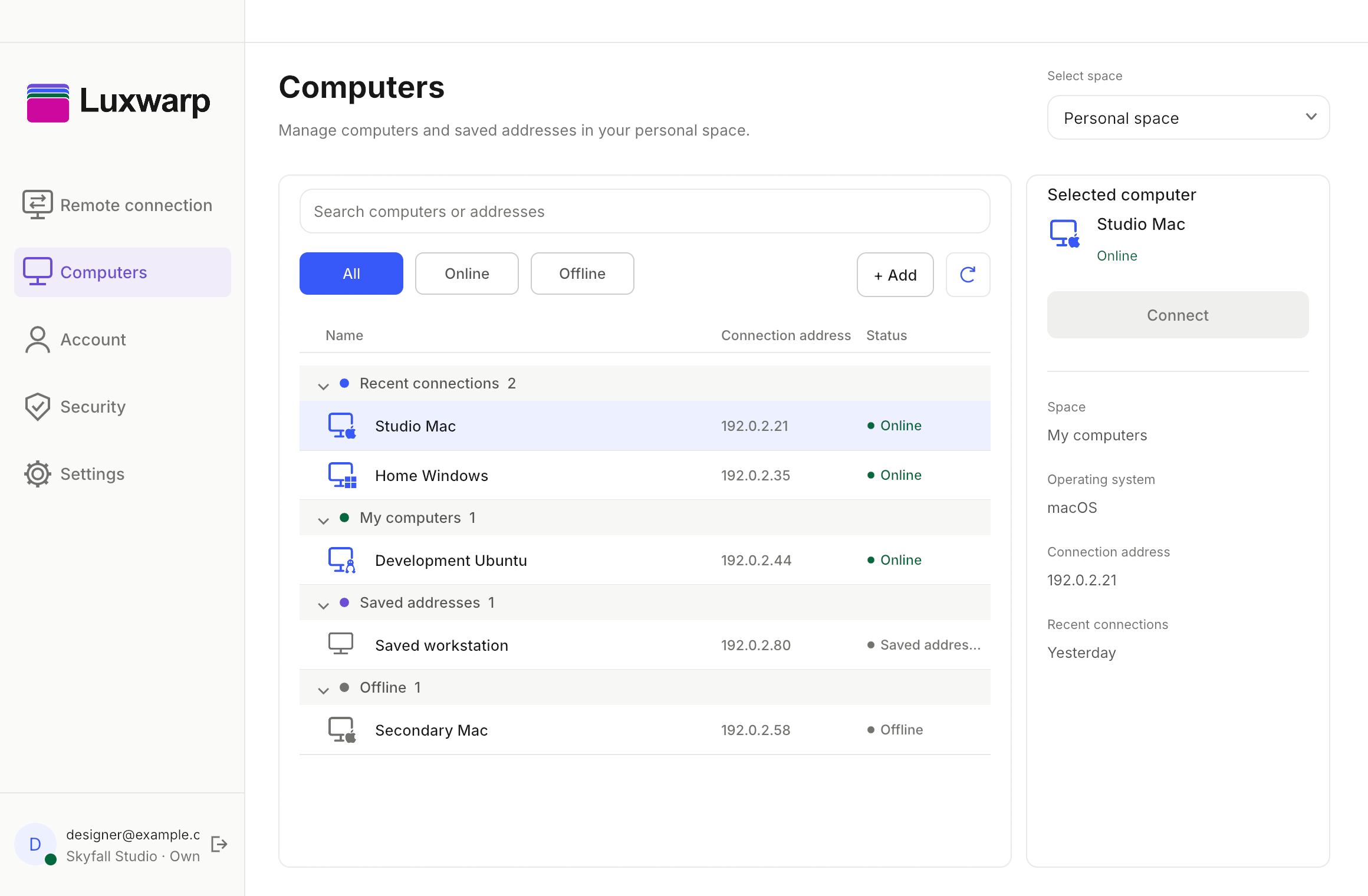
Luxwarp launcher computers screen with grouped computers, search and status filters.
03 / SETTINGS

Your connection environment

Explore General, Connection, Host and Advanced tabs in one settings screen.

View screen
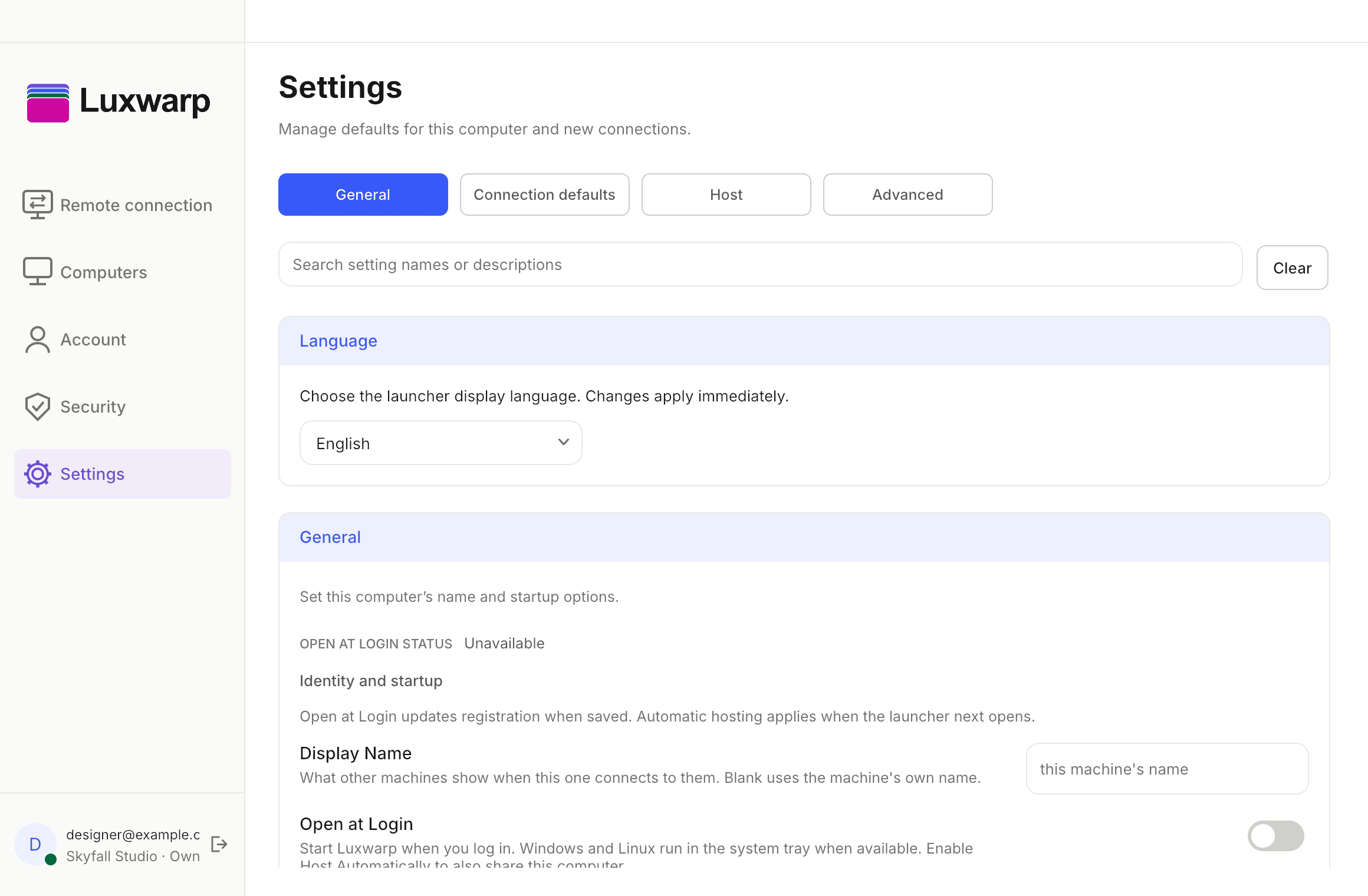
Luxwarp launcher settings screen with general, connection, host and advanced tabs.
ACCOUNT & SECURITY

Your scope and requests,
each in its place.

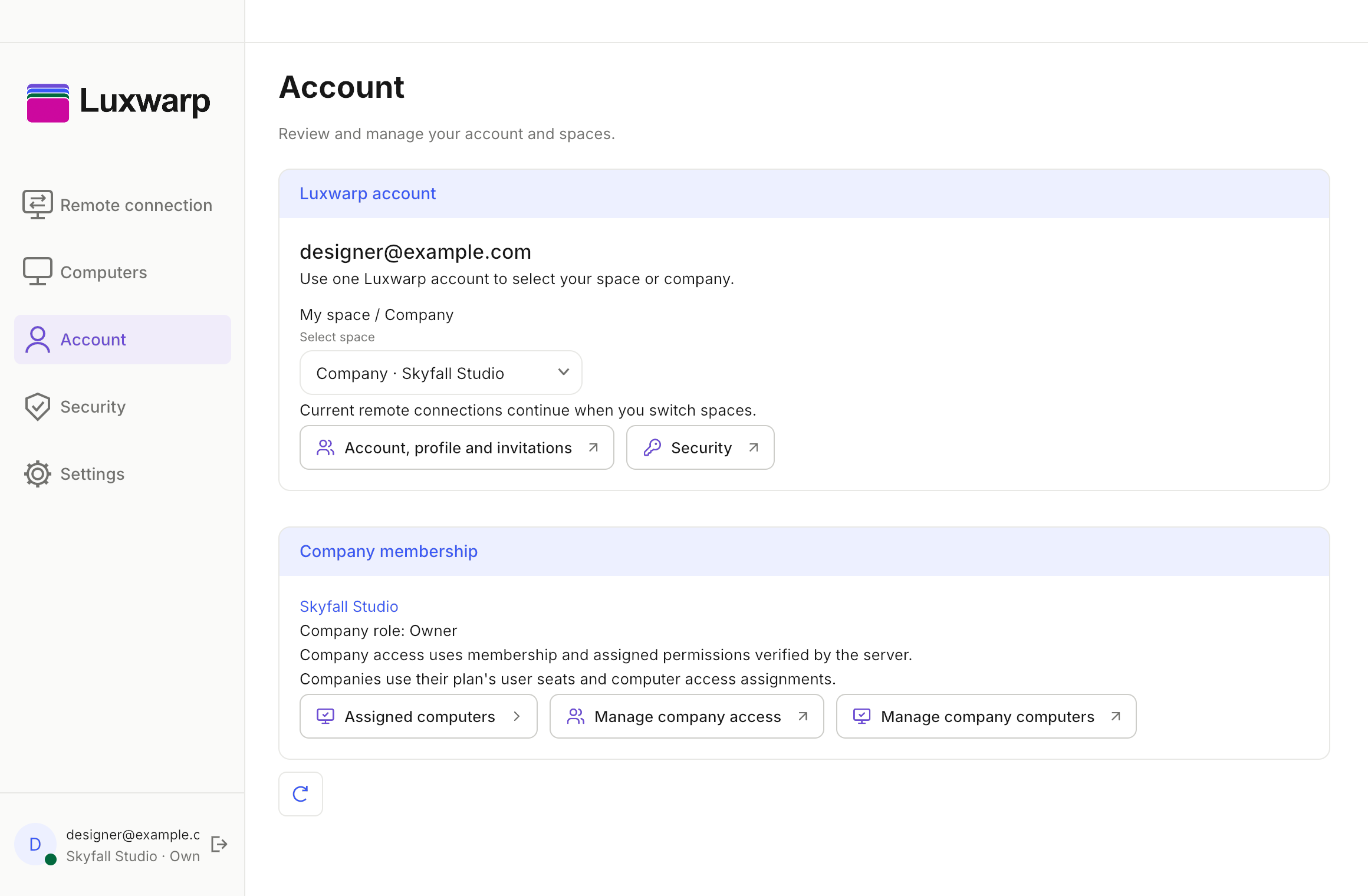
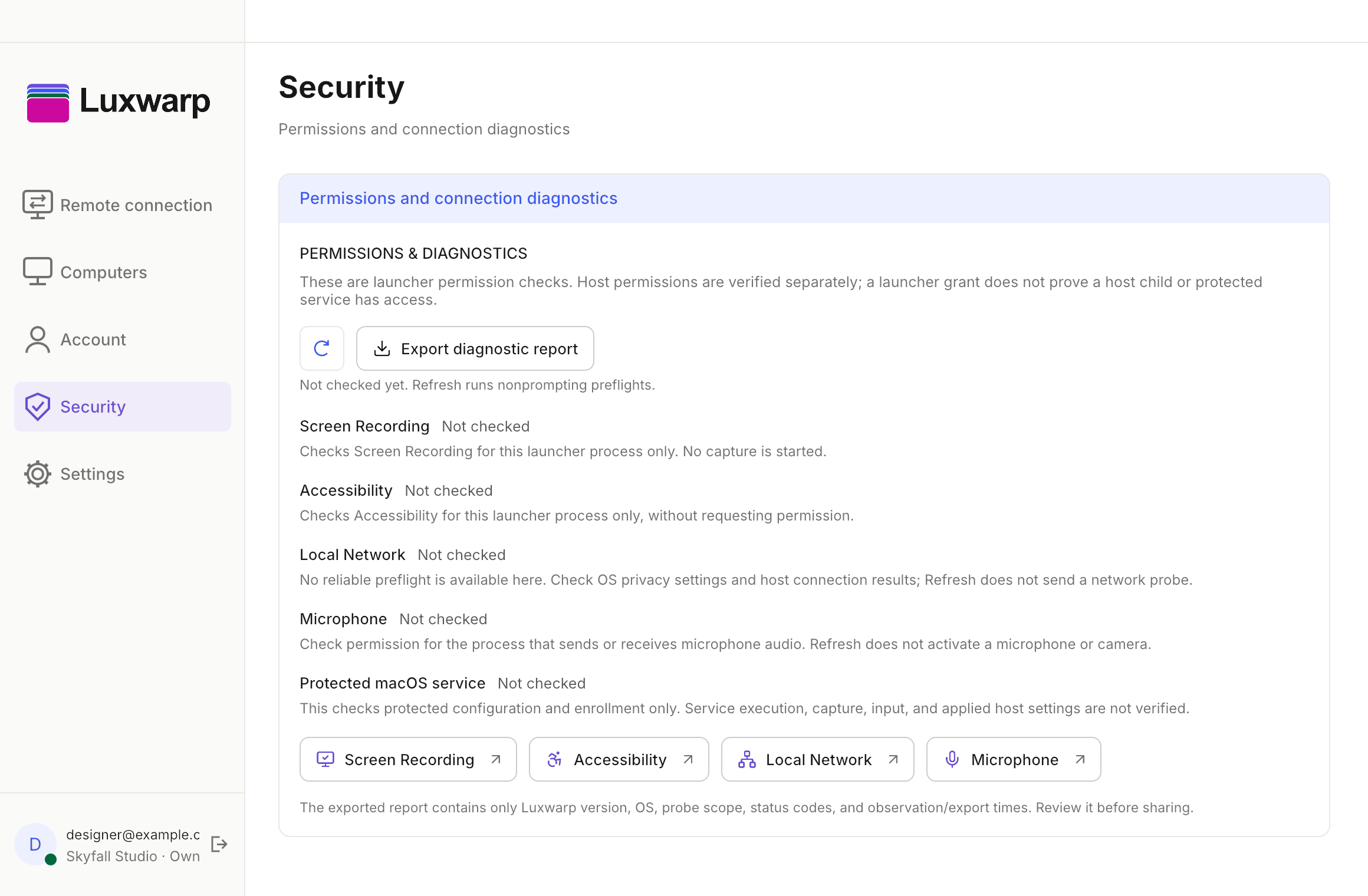
The Account screen shows Personal and Team scopes. Security shows connection requests and current connections.

Luxwarp launcher account screen with Personal and Team scopes.Account Luxwarp launcher security screen with permission and connection diagnostics.Security
START HERE

See it in the launcher.

Check the supported test builds, then explore remote connections and your computer list.