Assigned computers
Choose Team and find the computers assigned to you.
View Team screenChoose Team to find your assigned computers in the launcher. Start with up to five named users and one company per account during the free beta.
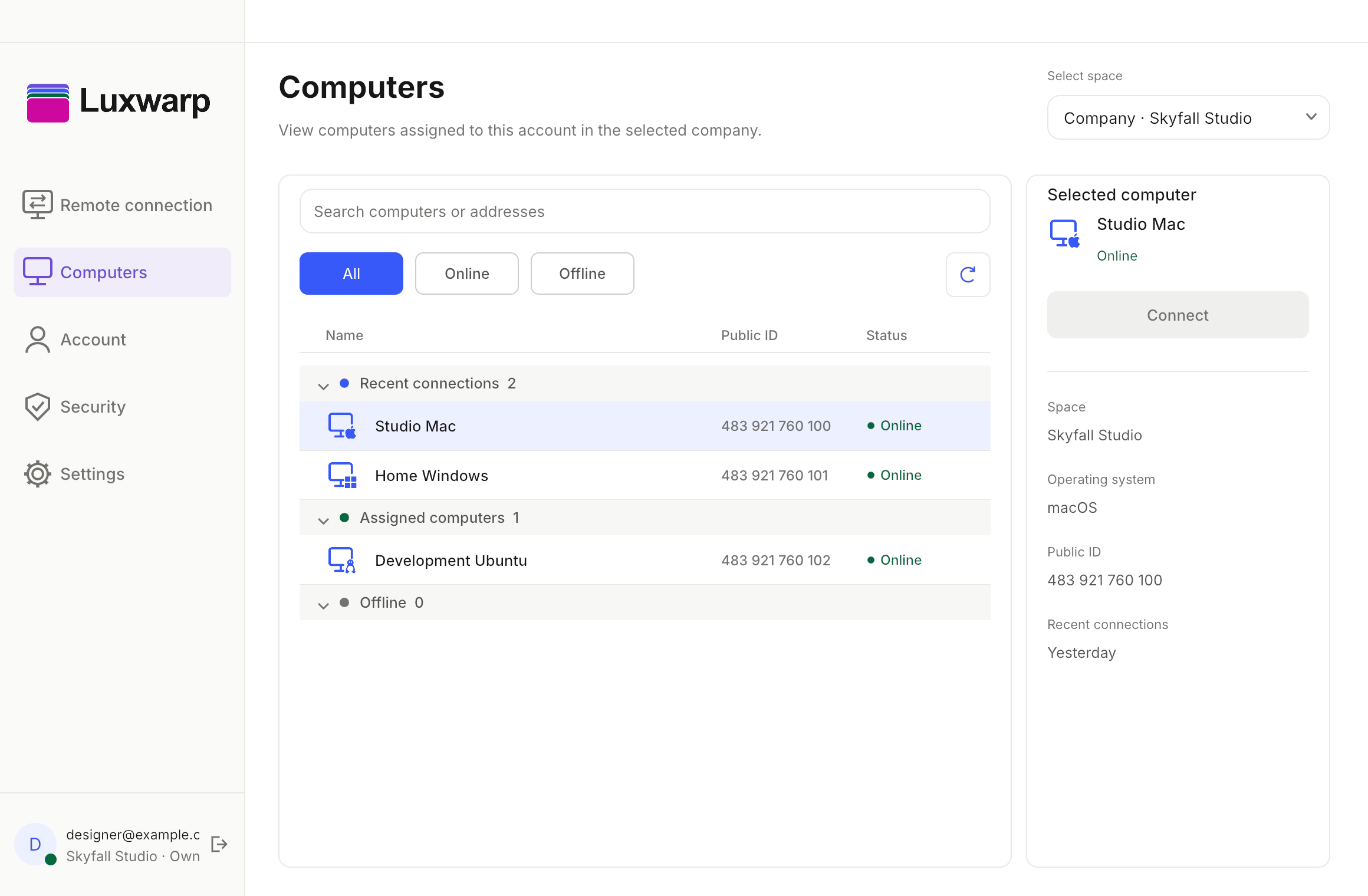
Switch between Personal and Team in Account. The Computers screen shows the groups that belong to your selected scope.
View Account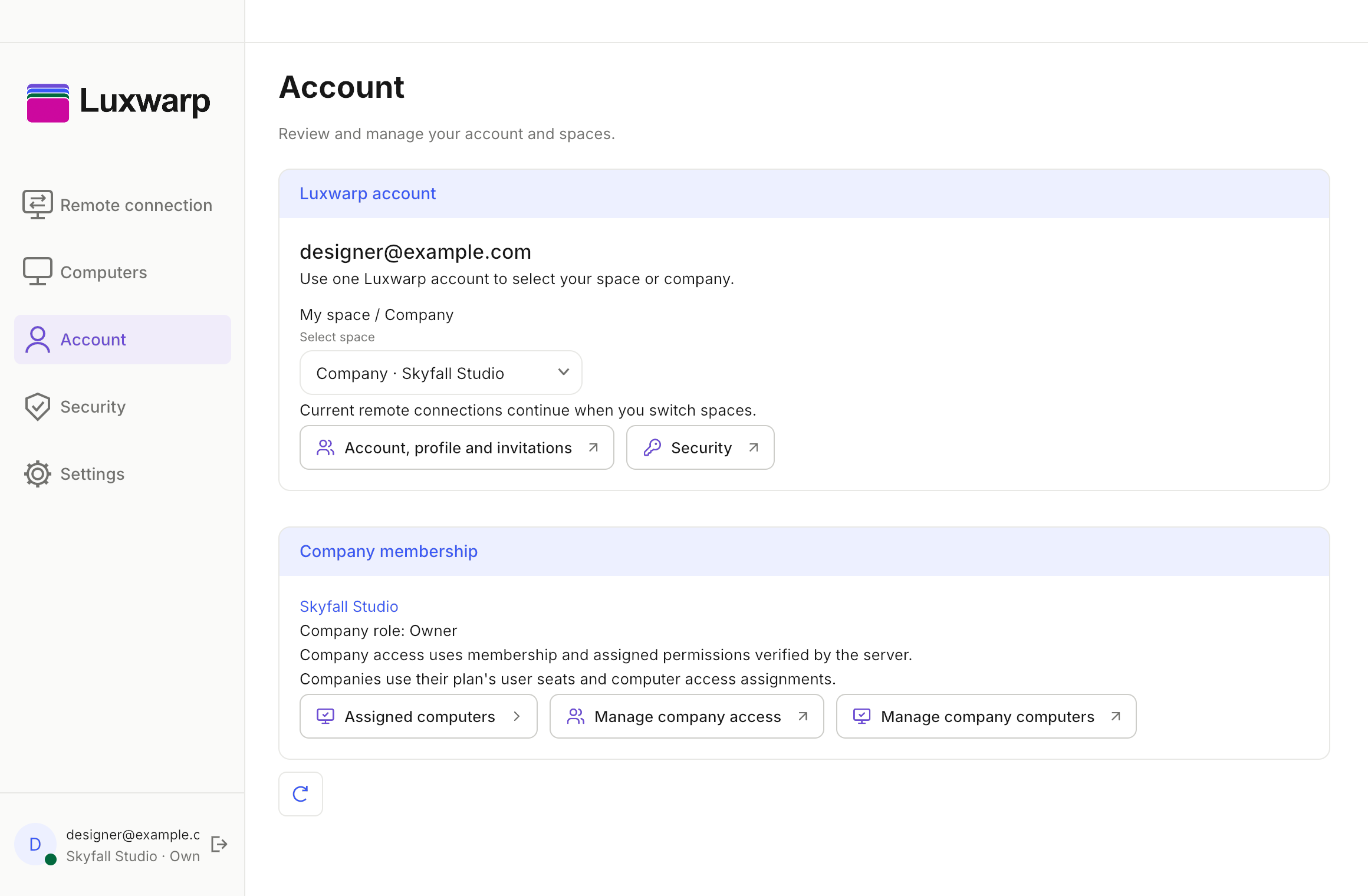
See your assigned computers in the launcher. Manage your team’s members and shared computers in the separate workspace.
Choose Team and find the computers assigned to you.
View Team screenInvite members, manage roles and organize shared company devices.
Open workspaceExplore your selected scope and assigned computers in the launcher.