Apple Silicon Mac
0.1.0-macsession.20261109.2
Open the DMG, move Luxwarp to Applications, then launch it.
Development-signed; not Apple notarized. Opening it may require approval in Privacy & Security.
Download Mac ARM64 DMGDOWNLOAD
Get a test build for your workstation and the computer you connect from.
Mac Apple Silicon · Windows x64 · Ubuntu 24.04 amd64MAC · WINDOWS · LINUX TEST PRERELEASE · 9 NOVEMBER 2026
Download catalog updated: 9 November 2026. Download the installer for your platform and verify it against its manifest and SHA-256 checksums.
DOWNLOADS
0.1.0-macsession.20261109.2
Open the DMG, move Luxwarp to Applications, then launch it.
Development-signed; not Apple notarized. Opening it may require approval in Privacy & Security.
Download Mac ARM64 DMG0.1.0-windows.20261109.1
Run the Setup EXE, approve one Windows administrator prompt, and install for all users in Program Files. Installation completes without Luxwarp login or Team setup.
Unsigned installer; Windows may warn. The x64 Visual C++ runtime for ordinary use is bundled.
On first launch, review the EULA and Privacy Policy notices. Optional marketing starts unchecked and does not enable email delivery.
Download Windows x64 Setup EXEUbuntu 24.04 · amd64
0.1.0-linux.20261109.1
Install the DEB with apt on Ubuntu 24.04 to resolve package dependencies.
Requires a compatible graphics/capture runtime and GPU drivers.
On first launch, review the EULA and Privacy Policy notices. Optional marketing starts unchecked and does not enable email delivery.
Download Ubuntu 24.04 amd64 DEBComing soon
The iPhone app is in preparation. Downloads are not available yet.
Coming soon
The Android app is in preparation. Downloads are not available yet.
Open the DMG, drag Luxwarp to Applications, then open it. On first launch, review the EULA and Privacy Policy notices. Optional marketing starts unchecked and does not enable email delivery. Hosting across logout and at LoginWindow requires the included session service and explicit administrator setup with that Mac's enrollment details; dragging the app alone does not enable it. This test build is signed with Luxwarp Development but is not Apple notarized; macOS may require you to approve opening it in Privacy & Security.
The manifest records this DMG's packaged binary revisions. Earlier transition test notes below do not verify this new package.
Run the Setup EXE and approve the Windows administrator prompt to install for all users in Program Files. Launch at sign-in is selected by default in visible setup and opens Luxwarp in the signed-in user's desktop session. Installation completes without Luxwarp login, Personal or Team selection, or computer registration; ordinary attended connections can use the displayed ID. Unattended hosting is not enabled during installation. After this PC is registered as a supported Team Host, explicitly choose Set up unattended hosting in the registered app and approve its separate Windows administrator UAC prompt. This app path opens no extra PowerShell window and requires no separate OK or Finish button. The service is not installed before approval. This installer is not code-signed; Windows may show a security prompt. The x64 Visual C++ runtime for ordinary use is bundled. ViGEmBus is optional and installed separately for virtual gamepad output.
The unattended service is available to supported Team Hosts, not Personal computers. It supports current Mac, Windows and Linux viewers. Linux connections and input on the Windows sign-in screen were verified on tested machines; Linux viewer login/logout transitions still need validation. The service gives access to the registered desktop, Windows sign-in and UAC screens after approval. Setup preserves the original Windows user account and computer registration even if another administrator approves UAC. Cancelling the setup UAC leaves unattended hosting disabled; choose Set up unattended hosting in the app to retry. Disable unattended hosting remains available from the Luxwarp Start menu. RDP-disconnect recovery still requires testing on your computer.
On Ubuntu 24.04, install the DEB with apt so declared package dependencies can be resolved. Graphics/capture runtime and suitable GPU drivers are also needed. Virtual gamepad output requires /dev/uinput write permission. The bundled X11 session service needs explicit administrator setup for sign-in screen hosting. Persistent hosting is opt-in and does not support audio or clipboard.
sudo apt install ./Luxwarp-0.1.0-linux.20261109.1-linux-amd64.deb
In the launcher, open Settings → Host and find COMPANY COMPUTER REGISTRATION. Signed-in company members can choose their company and select Register with company. To use an administrator-provided company ID and registration key without employee sign-in, expand Advanced registration: company ID and key, fill in COMPANY ID and REGISTRATION KEY, then select Register with company key. Administrators assign remote access separately after registration.
Download catalog updated: 9 November 2026. Download the installer for your platform and verify it against its manifest and SHA-256 checksums.
Use the per-platform manifests to check the packaged revisions. The notes below describe installation requirements, earlier validation and known limitations.
The following validation notes describe earlier prereleases, not validation of this package.
Windows and Linux include session transition fixes. The Windows service and Linux X11 supervisor are bundled, but each requires explicit administrator setup; a regular installation does not enable them. This build does not force an active RDP session to the console. Windows sign-in screen access requires a separate service policy and administrator setup. Mac and Windows viewer login/logout transitions were checked on the tested Windows host.
Windows 0.1.0.10073 passed installer and unattended setup checks. In one Linux viewer startup case, the first picture appeared and the Windows desktop right-click menu opened and closed; this does not verify every display wake or login/logout path. The previous Windows 0.1.0.10072 build included a launcher taskbar icon fix. Its protected Host service is the same 10071 build checked with a Mac viewer through two logout/login cycles on one Windows host. In that earlier trial, the user reported no black Switching desktop screen and normal mouse clicks and keyboard input in both cycles. No new transition trial is claimed for 10072. Internal picture recovery can still take several seconds; physical input latency was not measured. Other PCs and transition paths remain unverified.
On Windows, Automatic encoding tries discrete GPUs, then integrated GPUs, then CPU H.264 when available. Intel hardware H.264 was verified on one Windows mini PC; performance depends on the host and driver.
On one Mac Mini test, the opt-in Mac session service restored the host after full logout and accepted mouse and keyboard input at LoginWindow. The viewer now retains the previous picture for up to six seconds during a transition; the user confirmed reduced blanking on a Mini retest. Seamless transitions on every Mac are not yet verified. Reboot and FileVault login remain unverified. Linux logout and login worked in the tested setup; a brief black screen can remain during transitions. Relay connections remain disabled.
Windows virtual display, Privacy Mode and virtual camera are not available in this installer. Mac host virtual gamepad input is unsupported.
Compare the SHA-256 hash before installing. Platform manifests record the packaged binary revisions.
iPhone (iOS) and Android apps are coming soon. Create a web account, then sign in to the app with the same account. You can also sign up in the app. Downloading does not start a subscription.
NEXT STEP
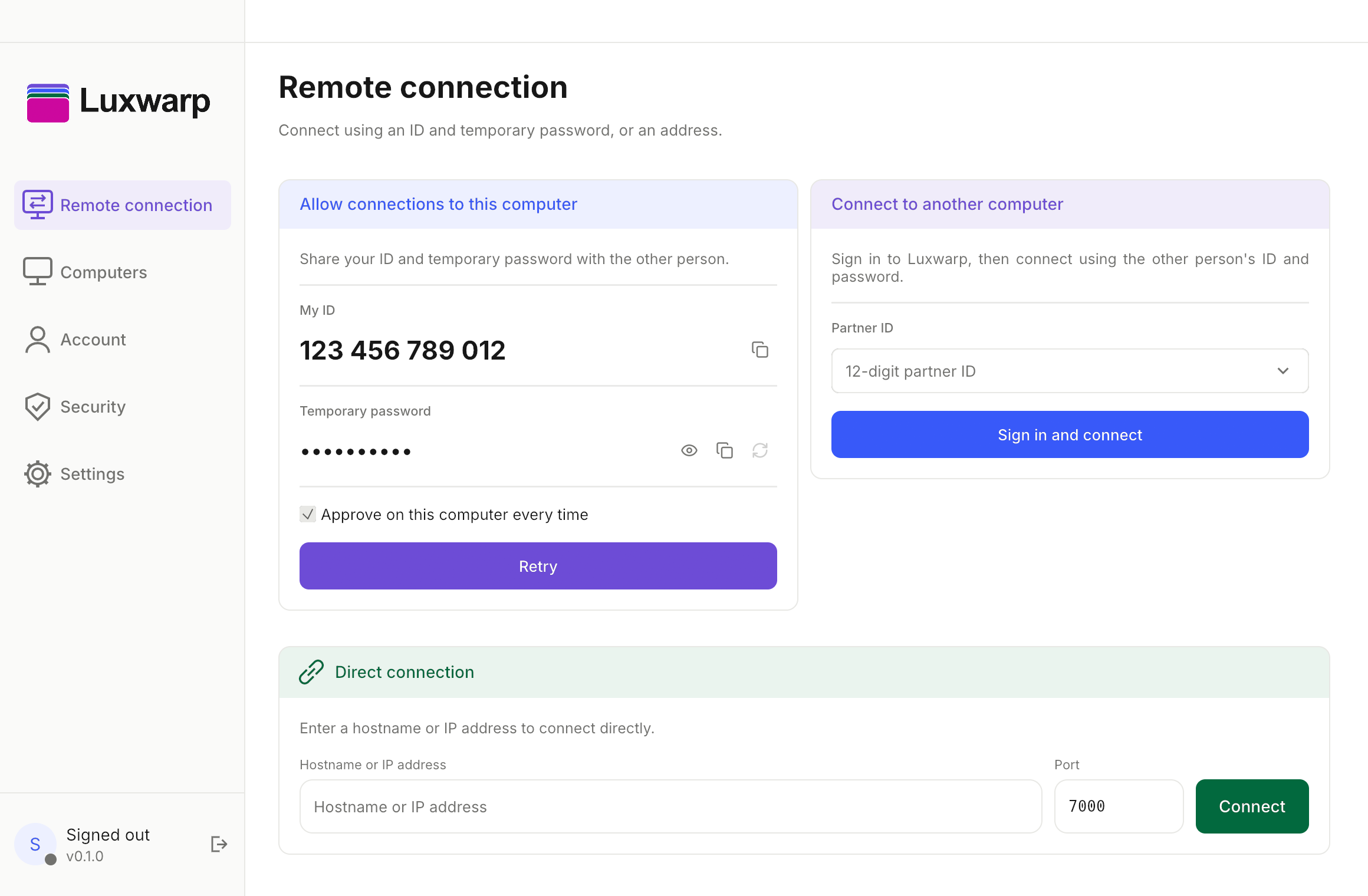
Find your ID and temporary password, connect to another computer, or use a host address and port.
Create account ↗